 English
 German


Question Management
Question Management is the control place where all assessment questions are stored and managed.


Please log in to the system to start your assessment journey.
Please log in to the system to start your assessment journey.
Please log in to the system to start your assessment journey.
Please log in to the system to start your assessment journey.
Question Management is the control place where all assessment questions are stored and managed.
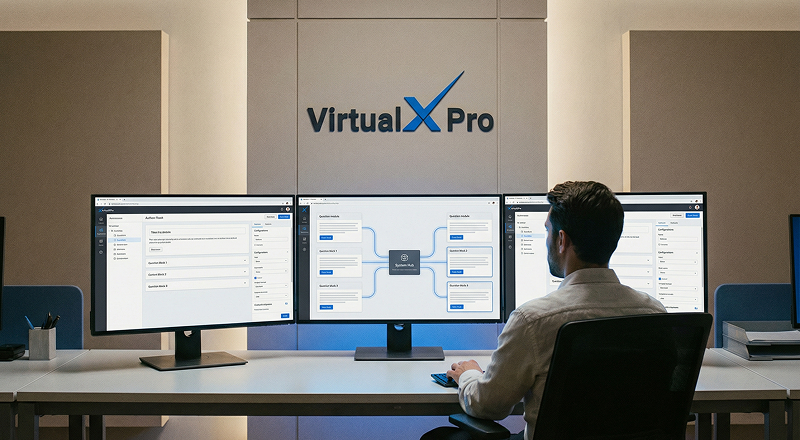
Create questions seamlessly using both manually and AI-powered generation.
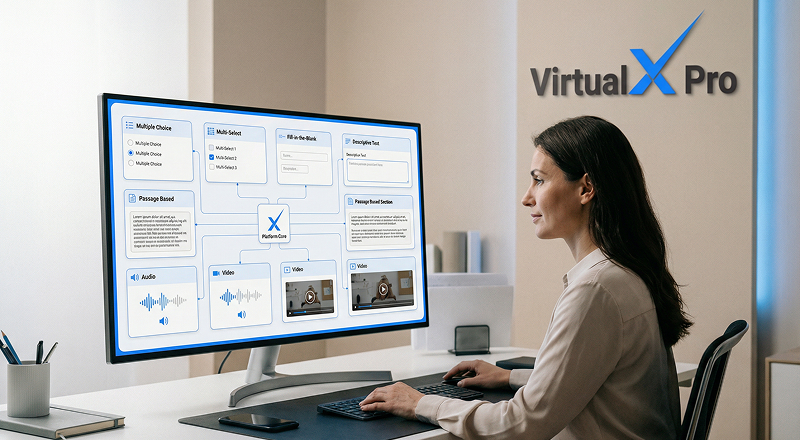
Support for 10+ formats including MCQs, multiple selection, fill-in-the-blanks, descriptive, passage-based, audio and video questions.
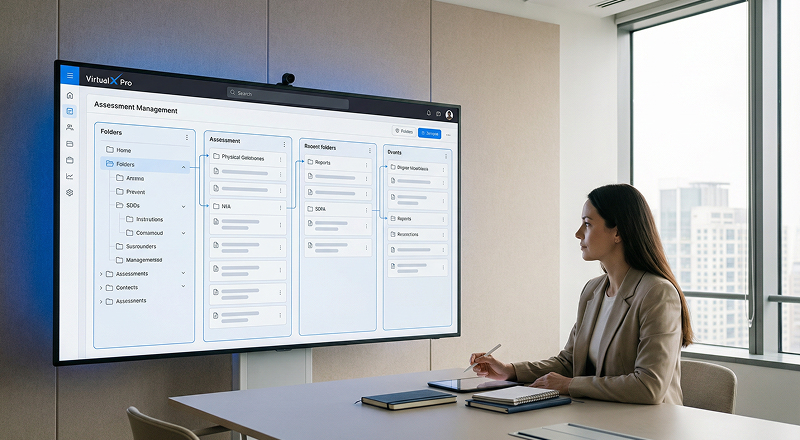
Organize questions systematically for easier maintenance and expansion.

Tag questions by subject, topic, difficulty level and learning outcome.

Quickly select questions from the bank to create exams efficiently.
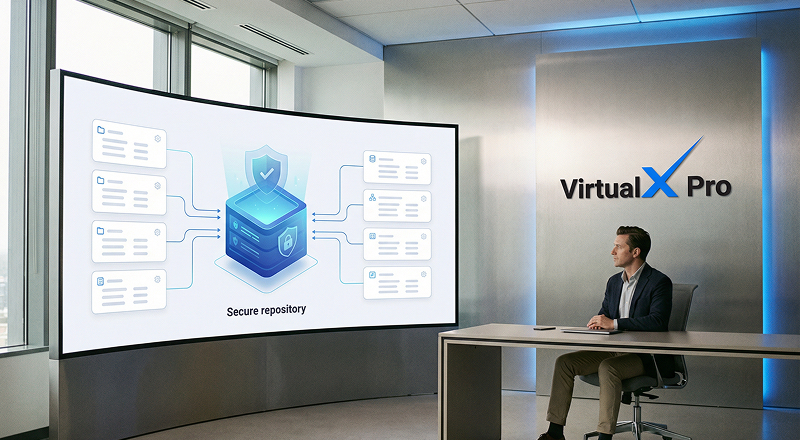
Easily create questions using multiple formats and organize them into structured question banks by subject, topic or difficulty level.

Categorize and tag questions effectively by defining attributes such as Question Bank Name, Code and Mode.
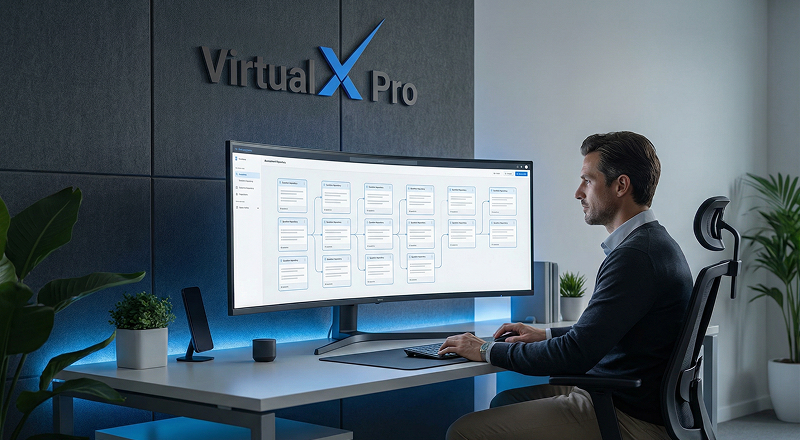
Maintain a clean, structured and easy-to-navigate question bank.

Enable administrators and examiners to build exams using existing question banks quickly.

Ensure uniform and high-quality assessments across batch courses.
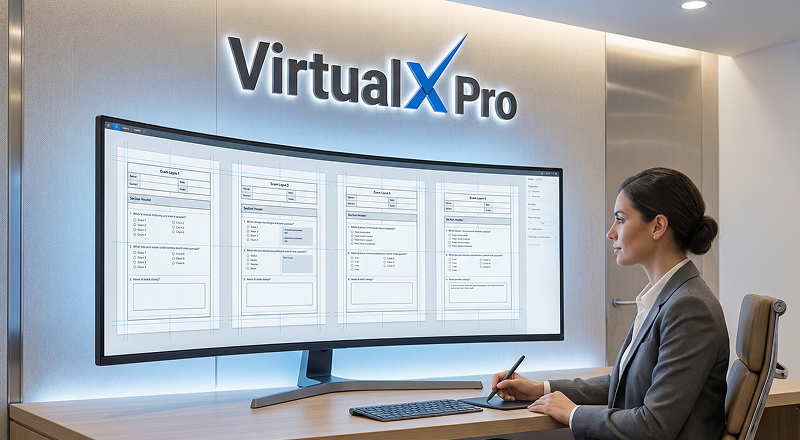
Define a structured template to standardize how questions are created and organized for exams.
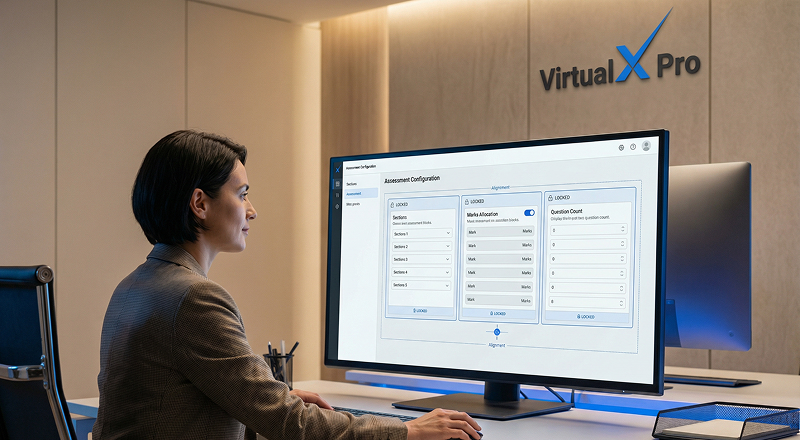
Set question types, marks allocation, difficulty level and other configuration settings.
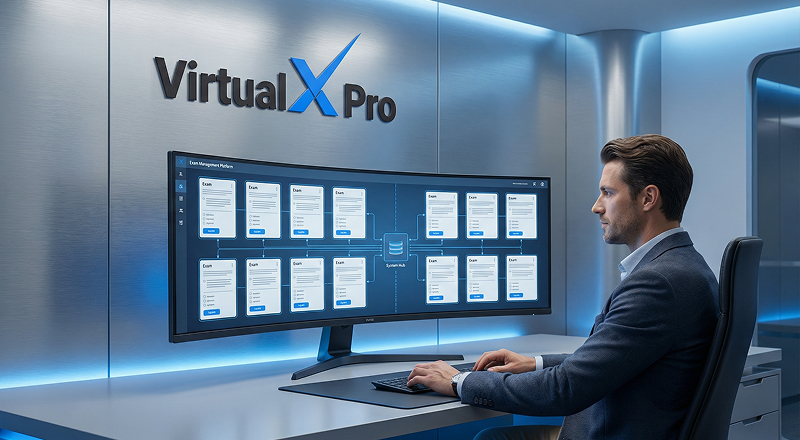
Design the format of the question template including sections, instructions and response formats.
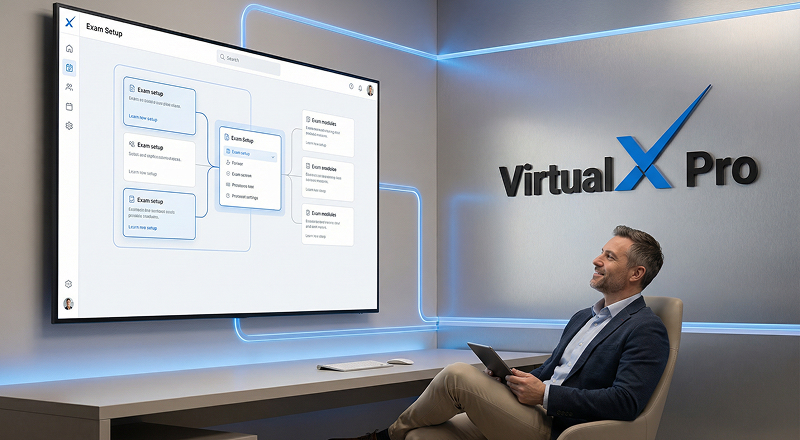
Save templates for reuse across multiple exams to ensure consistency and reduce setup time.
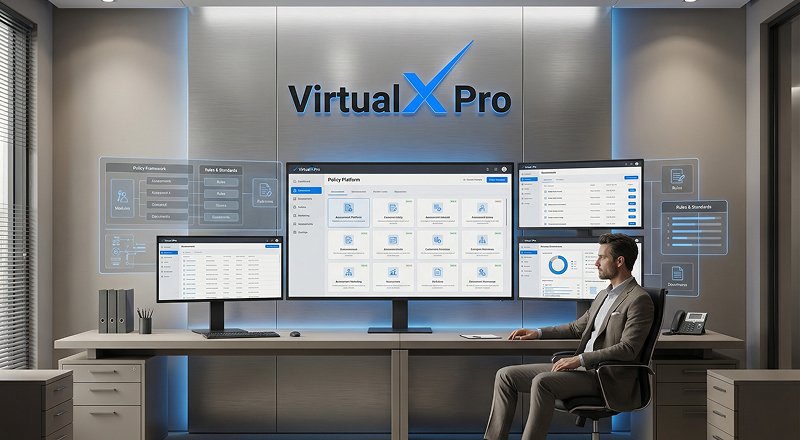
Apply the configured template while creating exams to automatically generate the required question format.

Manage large sets of questions efficiently.

Import questions using xlsx, csv, docx and other supported formats.

Export questions for backup, review or system migration.
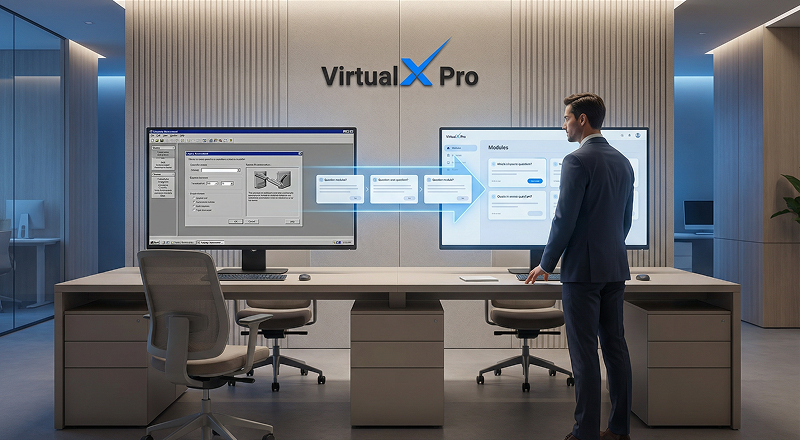
Ensure smooth migration from older platforms.

Ideal for institutions handling high volumes of questions.
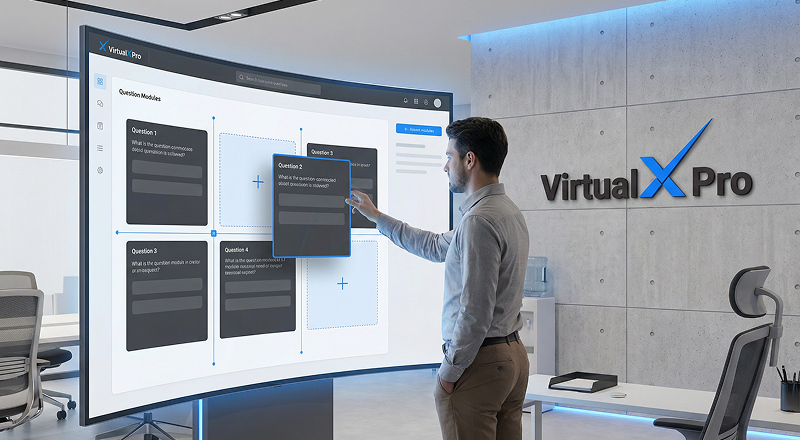
Choose the questions you want to move from the question lists.
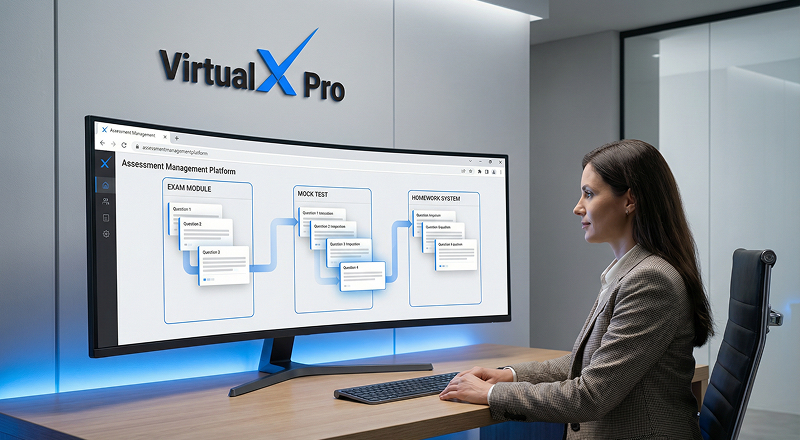
Move questions between exams, mock tests and homework.
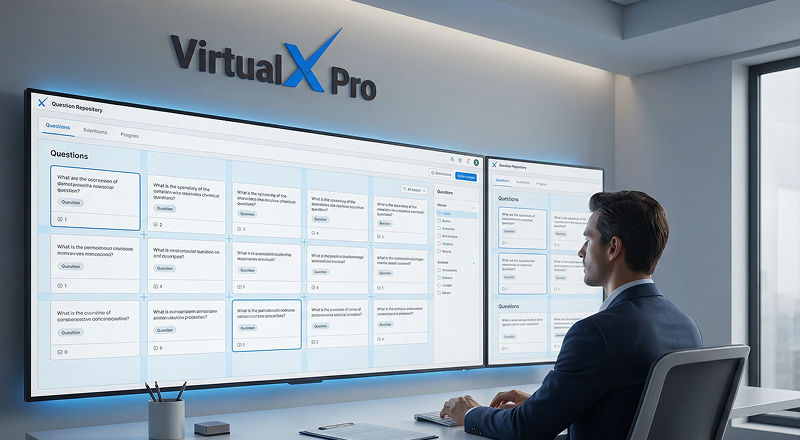
Verify the selected questions and confirm the destination before proceeding.
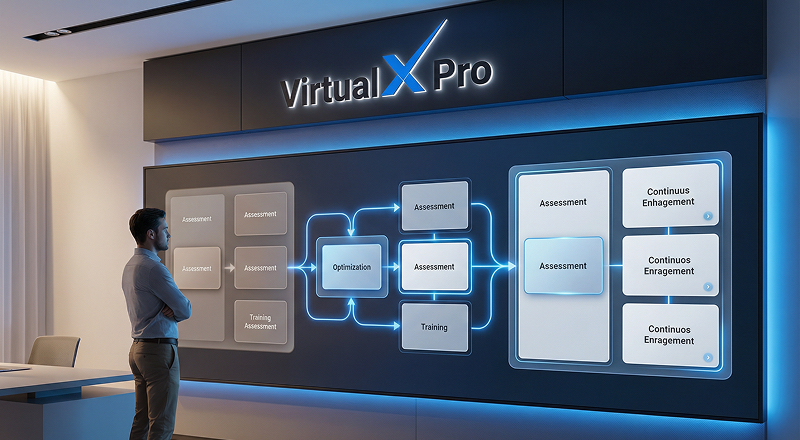
Transfer the selected questions to the chosen location with a single action.

The questions are successfully moved and will now appear in the selected destination.
