 English
 German


AI & Automation
The AI & Automation module streamlines assessment creation by minimizing manual effort and enhancing question quality through intelligent automation.


Please log in to the system to start your assessment journey.
Please log in to the system to start your assessment journey.
Please log in to the system to start your assessment journey.
Please log in to the system to start your assessment journey.
The AI & Automation module streamlines assessment creation by minimizing manual effort and enhancing question quality through intelligent automation.

Upload relevant documents such as PDFs to serve as the base content for question generation.
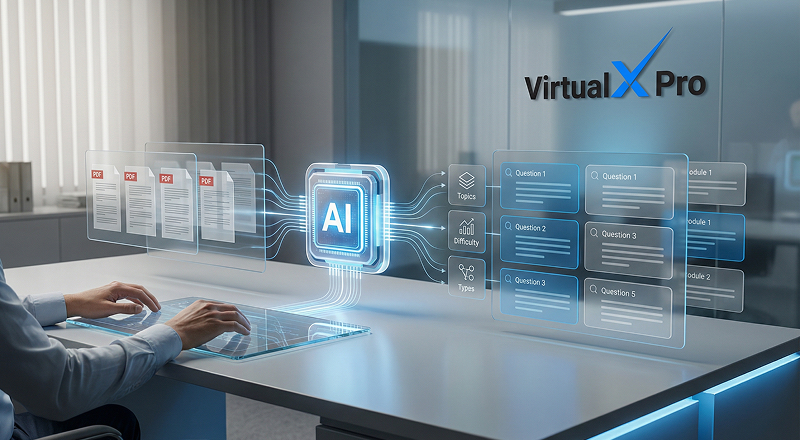
AI automatically analyzes the uploaded content and generates relevant assessment questions.
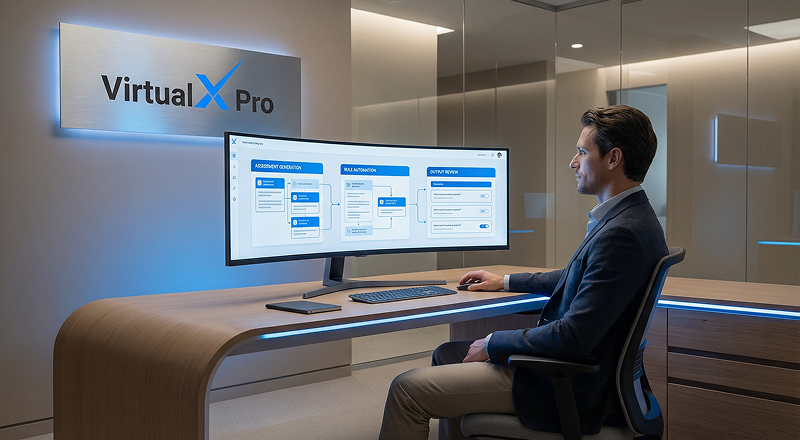
Questions are generated based on selected topics, difficulty levels and question formats.

Automation helps rapidly expand the question bank, reducing the need for manual question creation.
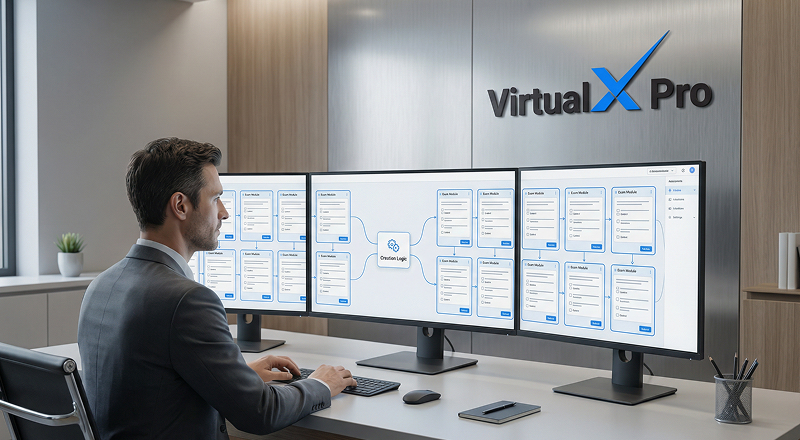
Organizations can quickly create large-scale assessments while maintaining consistent quality.
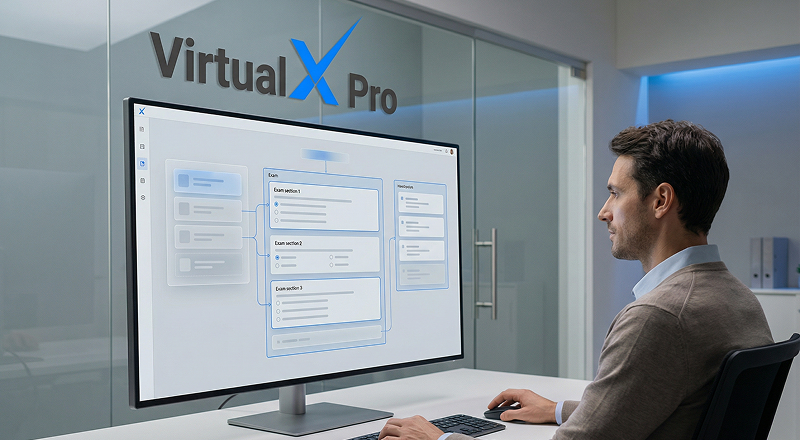
AI assists in organizing exams based on defined assessment objectives.
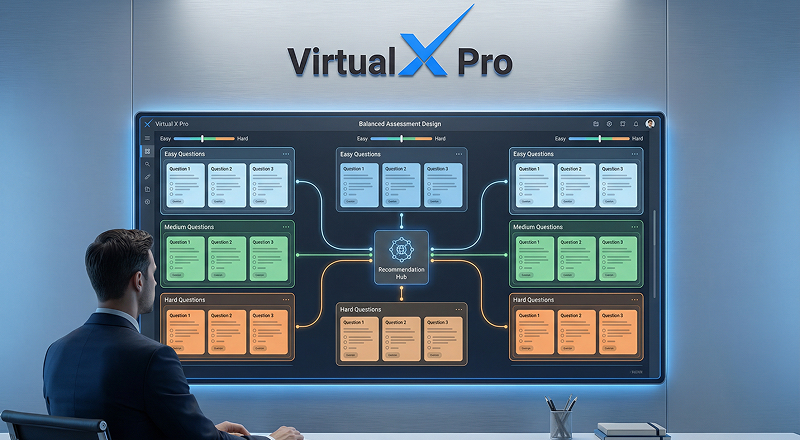
The system can generate a balanced mix of easy, medium and hard questions.
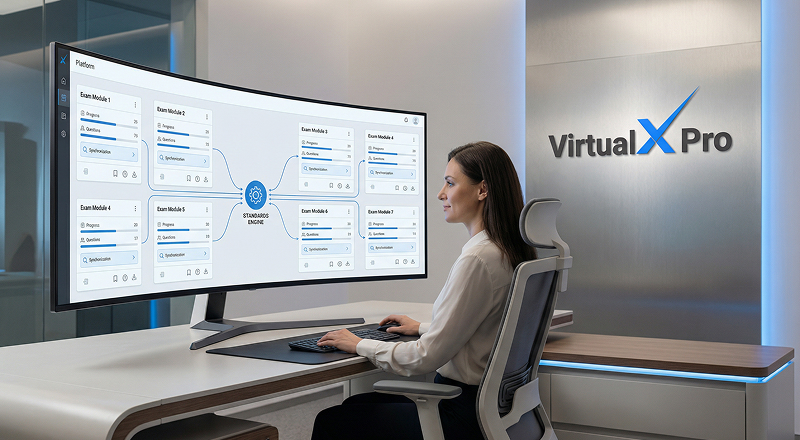
Ensures uniform standards and fairness across multiple exam sessions.

AI minimizes human bias in question selection and exam composition.
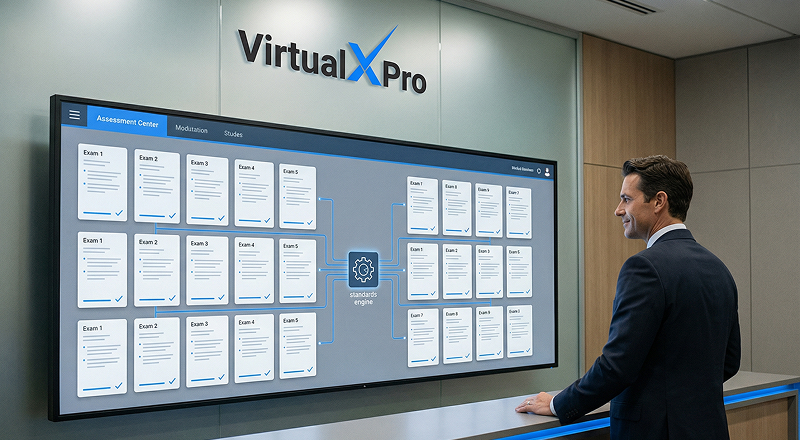
Delivers balanced, consistent and reliable exams aligned with assessment goals.

User is prompted to capture a verification photo before starting the assessment in the user profile.

The system detects the user's face using AI and ensures a face is present within the frame in the exam attend window.

On-screen guidance helps the user adjust position, lighting and distance to meet quality standards (e.g., centered face, proper lighting, stable frame).

Once all quality checks pass, the image is captured and validated locally before submission.

The validated image is securely submitted to the AI verification system and the results are processed in the background.
